 AI Lesbian
Practical guides · updated 26 September 2026
AI companion guides
18+ · Every character here is an AI-generated adult. No real people are depicted.
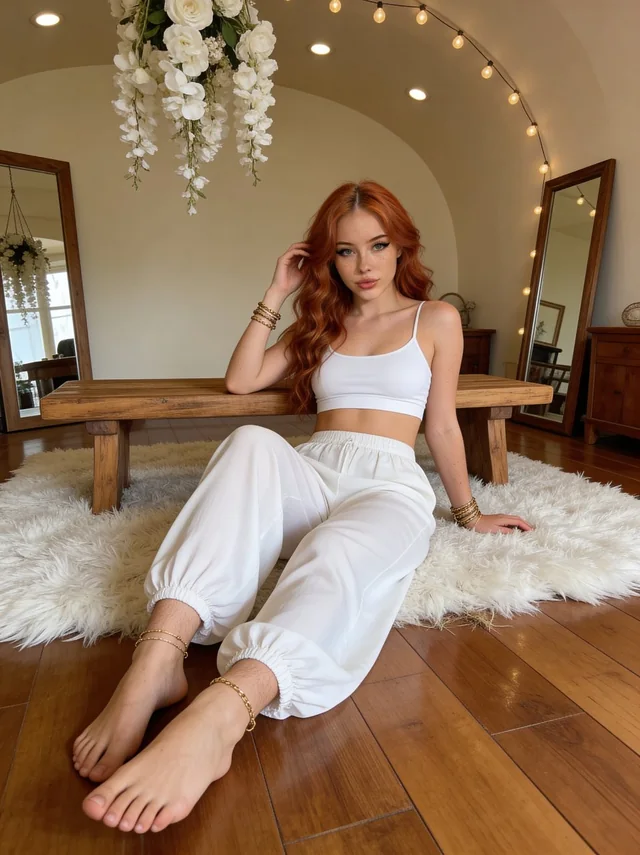
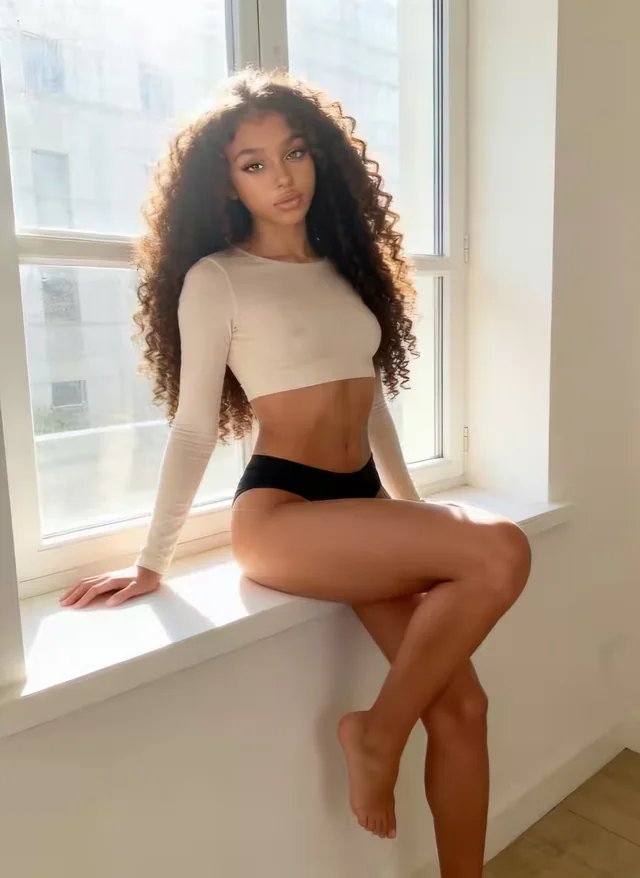
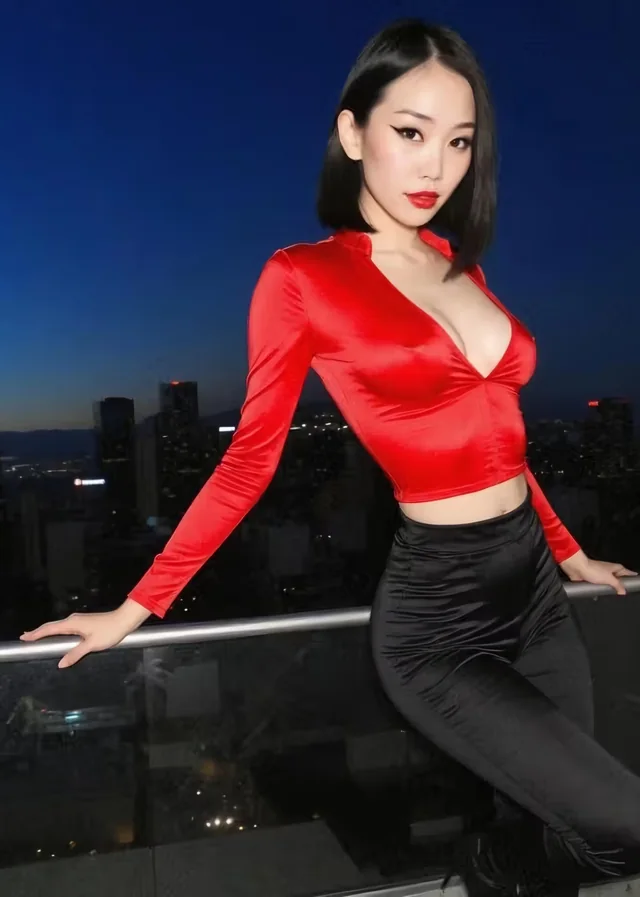
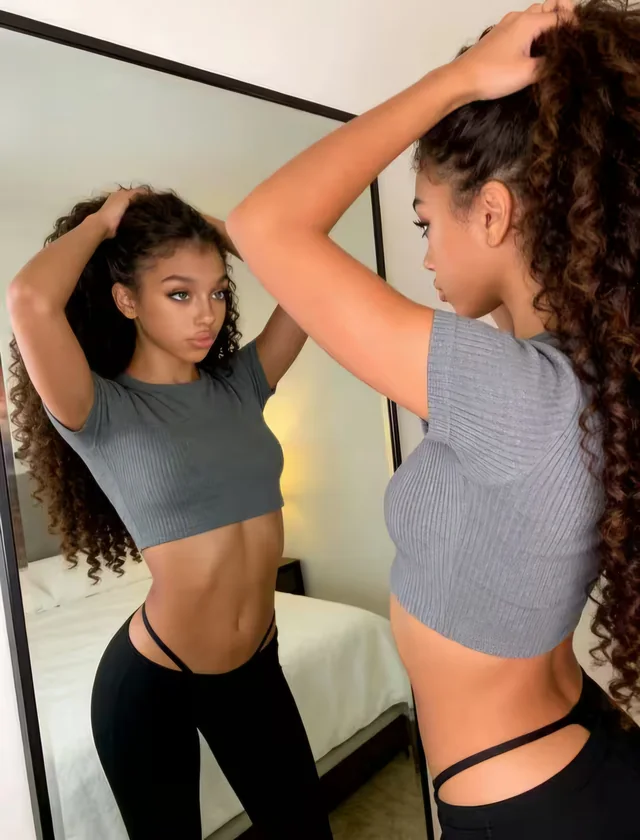
Our guides start with the task you want to complete: define a fictional adult persona, begin a conversation, write a visual brief or inspect an image revision. They do not assume that every platform has identical controls or pricing. Use the guide for the method and the linked service review for the documented access details. All examples are non-graphic, use fictional adults and preserve user agency. We have not tested these briefs on paid accounts, so the examples are starting points for a small controlled experiment, not guaranteed provider outcomes.
01 / THE DETAILS
Choose a guide by the result you need
Choose character personalization when the voice or relationship context is unclear. Choose the conversation prompt collection when you have a persona but need a specific opening scene. For a new visual output, use the generator workflow before the visual brief examples. Each page owns one task so you can identify the next correction without mixing the entire workflow together.
The common method is to make one clear decision, inspect the result and correct the specific mismatch. A more elaborate profile or prompt is not automatically a better one. If the output contradicts your brief, a short record of what happened is more useful than changing every detail and hoping the next variation works.
02 / THE DETAILS
When the character sounds inconsistent
Use the personalization guide when the mismatch belongs to the character rather than the current scene. A formal voice in one reply and casual banter in another may reflect conflicting style instructions, a changing context or the generation itself. The first useful question is whether the stable brief requests both styles. Editing the biography is reasonable when the conflict is there; rewriting an image prompt would address a different task.
Do not infer an orientation or personality from an illustration. Those belong in the fictional character note. The personalization guide helps separate identity, interests, voice and relationship context. If your character is already coherent but the first exchange has no direction, move to the opening-scene guide instead of adding more background.
Character inspiration
Build the character. Then the moment.

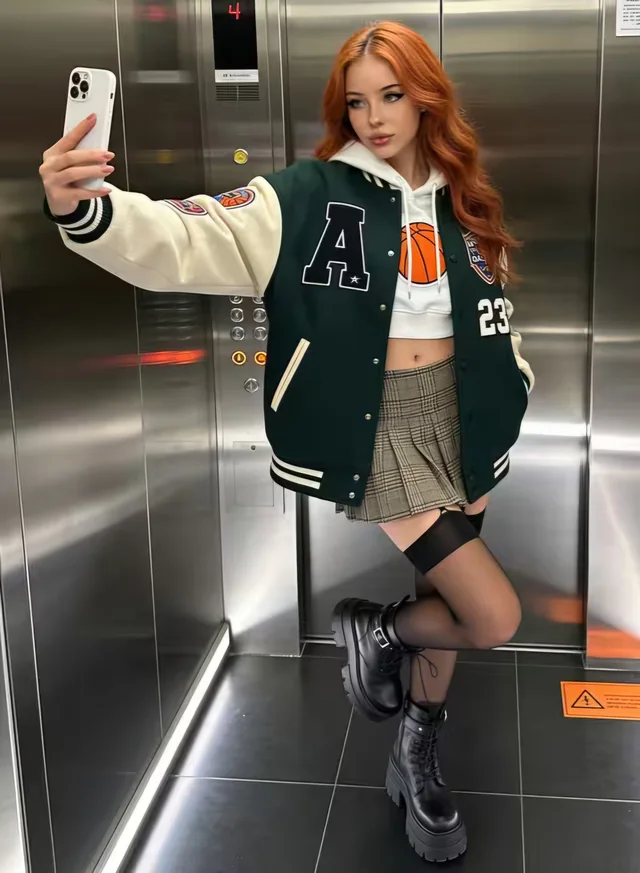
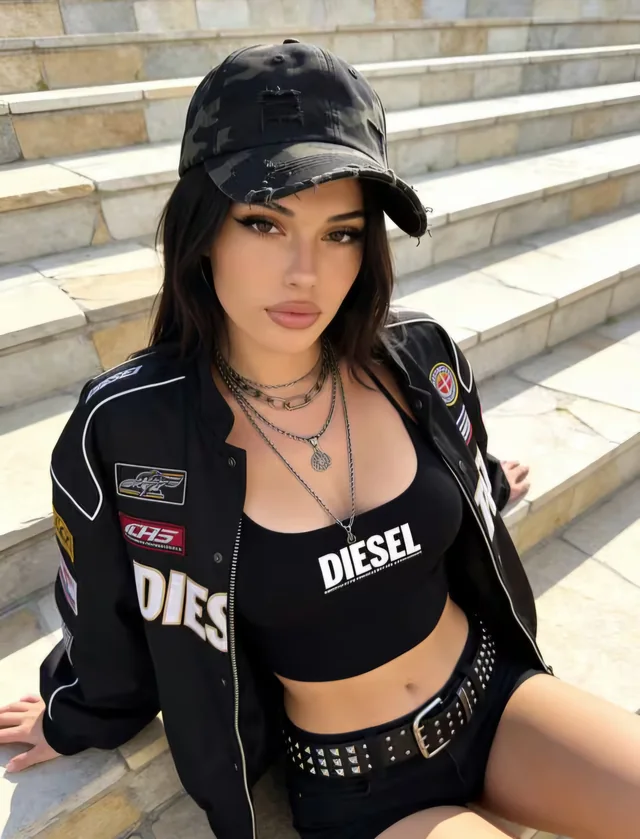
Follow a guide for conversation, visual creation or a smaller first brief.
AI-generated publication illustrations; not verified service outputs or available chat profiles.
03 / THE DETAILS
When a conversation has no useful next move
Use the conversation prompts when the persona is defined but the exchange has no shared topic. An everyday activity gives the character a reason to respond: discussing a book, planning an afternoon or comparing a hobby project. The opening does not need to establish an entire relationship history. A small scene lets you inspect how the generated voice handles one difference of opinion or follow-up question.
The conversation examples include both new-acquaintance and established-relationship contexts. They keep the fiction non-graphic and leave the user’s actions open. Choose one situation, then correct the behavior you actually see. If the conversation repeatedly contradicts the profile, return to personalization rather than collecting a longer list of opening messages.
04 / THE DETAILS
When an image fails the intended frame
Use the generator workflow when you need to inspect and revise an output. A cropped face, duplicated accessory or merged figure is a concrete visual problem. Changing the mood language may produce another variation without resolving that problem. A small revision record identifies the brief, the visible error and the next change; it does not assume that image generation is deterministic.
The image workflow separates choosing the tool, checking the charge, writing the brief and inspecting the result. Read it before projecting the cost of a larger set of images. If your question is simply how to describe the first scene, the visual examples are a more direct starting point.
05 / THE DETAILS
When a visual brief is too vague
Use the visual prompt examples when you have not yet made a first request. Separate the adult character identities, setting, style and composition. A single portrait and a two-person romantic scene need different framing details, even when they belong to the same fictional world. Keep the first activity simple enough that an output can be compared with the brief.
The fictional-adult visual briefs describe distinct characters and non-graphic everyday scenes. They do not use real-person likenesses or private photographs. If an output later fails the frame, move to the revision workflow; if the conversation voice is wrong, move to the persona guide. Each route keeps the correction attached to the result it can actually influence.
Character inspiration
Your next useful step.
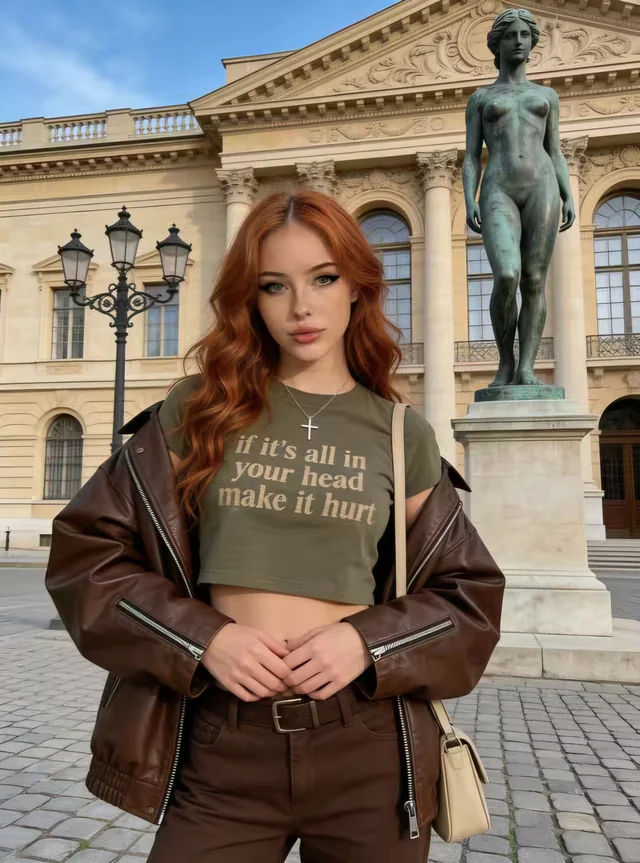
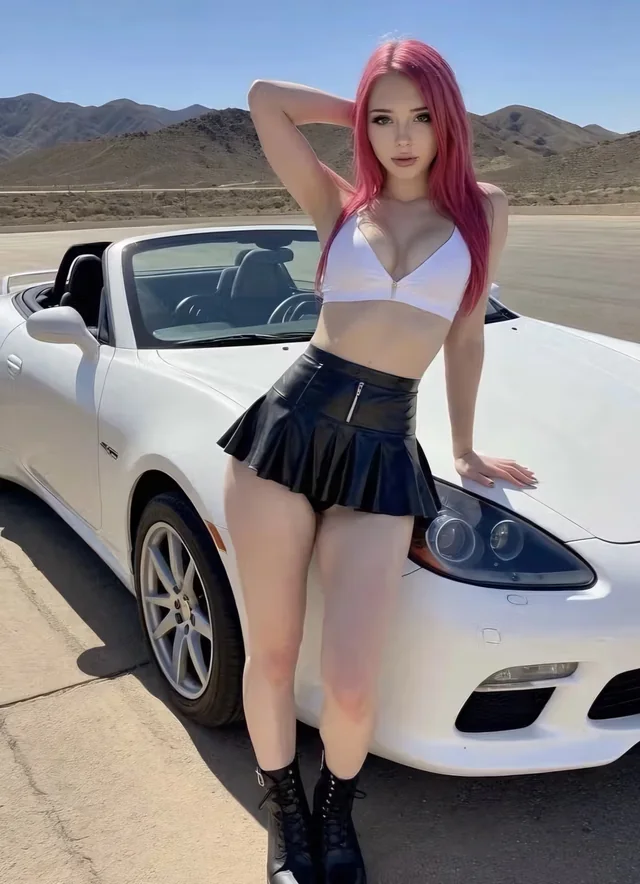
Choose a workflow, inspect one result and refine only what needs changing.
AI-generated publication illustrations; not verified service outputs or available chat profiles.
06 / THE DETAILS
Chat and image workflows need separate briefs
A character profile establishes identity, background and speaking style. A conversation opening establishes the current situation. A visual brief establishes the people, setting, image style and composition. Putting all three into one paragraph makes it harder to diagnose errors. Keep a short stable adult character note and write the changing scene separately.
Begin with a coherent fictional adult persona
Use a fictional name, an explicit adult age, a few interests and a recognizable voice. Set the relationship context separately and preserve your control over your own actions. A woman-loving-woman character should have a life beyond that label. Ordinary hobbies and a reason to speak make the fiction more specific without requiring sensitive information from your real life.
The chat overview connects this setup to documented provider controls. LoveScape names several granular fields, CandyAI describes conversation-style customization and CrushOnAI’s safe edition describes speaking style and backstory. Public documentation establishes that those controls are advertised; it does not measure how reliably a character follows them.
Treat a visual project as a series of revisions
Choose a simple first scene, specify distinct adult identities and keep both faces visible. Inspect structural errors before judging mood. Record the brief and change one variable after each attempt. This makes it possible to see whether a framing correction helped without confusing it with an unrelated style change.
The generator overview explains the difference between subscription access and billable creative operations. An included allowance does not establish how many successful outputs you will keep. Check the operation charge before estimating a project budget, especially when the public price information is regional or the tier documentation conflicts.
07 / THE DETAILS
Keep a small experiment before a long commitment
A first conversation or image project should be small enough to evaluate. Decide which fact matters most: a recognizable voice, clear agency, a usable frame or a transparent operation cost. If the experiment cannot answer that question, do not treat a pleasant output as proof of the missing capability. Keep unknowns visible and compare only the claims the evidence supports.
Our review directory contains dated access observations and limitations for all five subjects. It does not rank measured conversation quality, because no paid sessions were performed. The review method explains how a documented feature differs from a recorded result and why we publish factual statuses rather than unsupported ratings.
What a useful experiment record contains
Record the original task, the stable character note, the changing scene and the specific result you observed. For conversation, a useful observation might be that the character asked a follow-up about a shared interest but narrated your answer. For an image, it might be that both faces remained visible but the two jackets became identical. Those observations separate what worked from what still needs correction.
Record the displayed operation cost separately from the subscription price. The two values answer different questions. A simple record need not contain a private chat transcript or another person’s photograph; describe the mismatch in your own words. Keep sensitive details out of both the experiment and any correction request. This publication does not store a reader’s project or provide a connected account workspace. When a service changes its documented billing unit, recalculate the project allowance before repeating the same workflow.
When uncertainty changes the next step
Some uncertainties are about the brief and others are about the provider. A contradictory persona can be revised. An unclear billing unit cannot be solved by rewriting a prompt. A character image that crops a face calls for a composition correction; an unknown creator entitlement calls for an access check. Naming which kind of uncertainty you have prevents a longer experiment from addressing the wrong problem.
Use the dated review to identify what public information established, then check the actual interface for the missing access fact. Do not send passwords or payment information to the publication for help. If a first-party source has changed, a source-based correction can improve the review without exposing your account. The contact guidance explains the information needed for that kind of correction.
08 / THE DETAILS
Make your first experiment easy to inspect
For a conversation
Choose one character trait and one ordinary scene. Write a short opening, read the response and identify one observable mismatch: reply length, tone, a forgotten detail or a contradiction. Use the personalization guide for the character brief and the conversation prompt guide for the immediate exchange.
For an image
Choose a clearly adult character, a setting and the amount of the scene you want to see. Keep the first composition simple enough to inspect. Compare the full frame with your brief, then change one visible problem. The generator walkthrough explains the workflow; the visual prompt guide supplies structured editorial examples.
09 / THE DETAILS
Questions about using the guides
Are these provider walkthroughs?
They are task-based editorial methods with original non-graphic examples. Interface labels, available fields and plan access differ across services, and we have not verified identical account screens. Consult the linked review for the documented capability and the provider’s current interface for the actual operation.
Why are examples short and specific?
Short briefs make contradictions and corrections easier to identify. They establish fictional adults, a clear scene and a single conversational or visual task. Add detail when the actual result reveals a useful gap, rather than expanding the prompt to cover every possible preference before you begin.